





Most companies have a folder full of training videos that no-one ever watches. They’re too long, they’re out of date, or they were recorded on the wrong screen. At the same time, employees are constantly messaging each other with the exact same questions.
Good software training videos are short, specific and easy to update. Here’s how to make them in 2026 without a video team.
Step 1: Pick the right tasks
Don’t start by filming an overview of a whole system. Start with the tasks people ask about most:
- Go through the helpdesk tickets and team chat for the same recurring “how do I…?” questions.
- Ask the managers what tasks new hires get wrong in their first month.
- Prioritise the tasks that are done frequently, or infrequently enough that people have effectively forgotten how to do them (e.g. the quarterly reporting).
A list of ten real tasks will beat a 90-minute “introduction to our CRM.”
Step 2: One task, one video
Each video should be answering one question: “How do I submit an expense?” “How do I create a PO?” Keep it to one to three minutes.
Short videos have three advantages:
- People finish them.
- People can find the right one when they need it.
- When the software changes, you simply replace one of the short videos rather than re-editing the long one.
Step 3: Record the real workflow
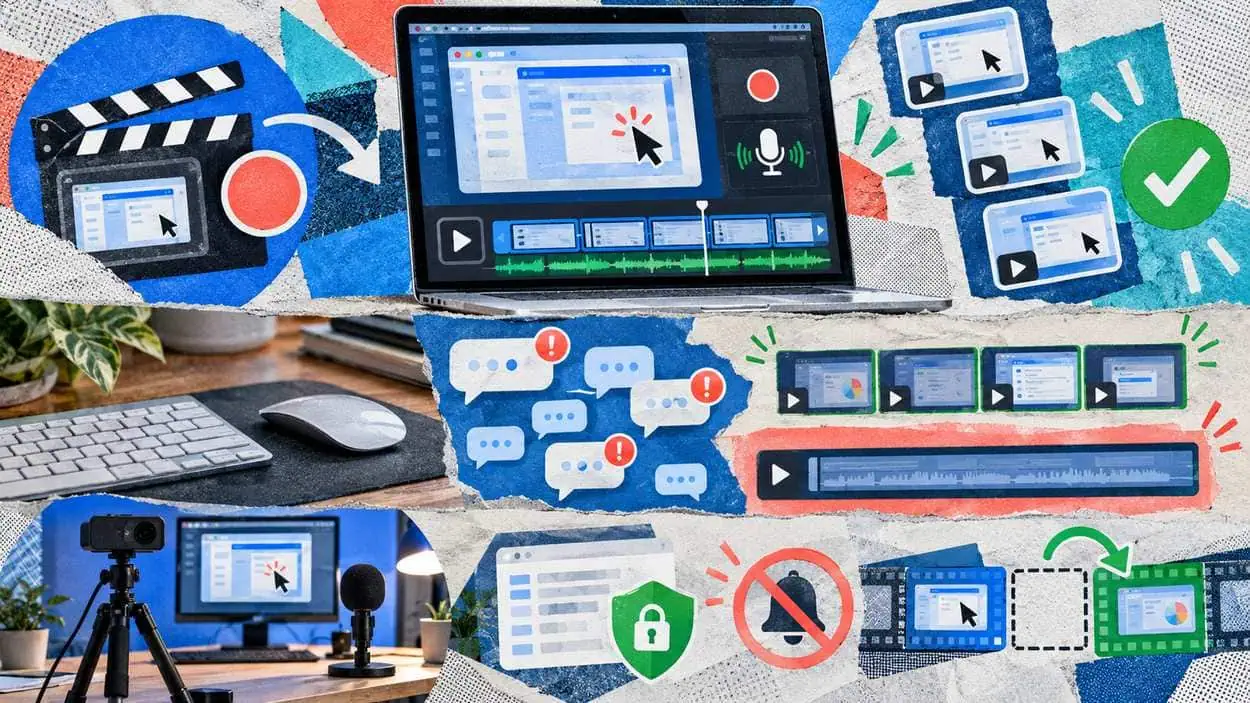
Use your actual tools with realistic but safe sample data. Before recording:
- Close any unrelated tabs and turn off the notifications.
- Set your browser zoom so that the text is readable on a laptop screen.
- Use a test account or blur the customer and employee data.
The traditional way is to screen record, edit out the errors and then record a voiceover. That’s hours of work per video. The new approach is capture-based tools, which record your clicks as you work and then put the video together for you. For example, Guideless will generate an AI-narrated training video with captions from a single browser recording. You edit the script as text and the narration regenerates without you having to re-record.
Step 4: Write narration like you speak
Whether you record your own voice or use AI narration, the script matters:
- Start with the outcome: “In this video you’ll create a new customer record.”
- Name the button/field on screen: “Click New, in the top right.”
- Explain why only in cases where it prevents errors: “Choose the billing contact rather than the main contact, or the invoices go to the wrong person.”
- End with what happens next.
Don’t use filler like “so, basically, what we’re going to do now is…”

Step 5: Add captions and translations
Lots of people will be watching training videos with the sound off, in an open-plan office or on a train. Captions make the video usable anywhere and are a massive help to non-native speakers. If you have a global team, having the narration in the local language makes a far greater difference than any amount of visual polish.
Step 6: Put videos where people already work
A perfect video in an unknown folder is useless. Distribute training videos where people already look:
- Embed them in your wiki, LMS or help centre.
- Link them in the onboarding checklists.
- Pin them in the appropriate team chat channel.
- Add them into the internal tool itself (e.g. as a link in the help text of a form).
Step 7: Measure and update
Track views, completion and drop-off points. If people keep abandoning a video at the same point, that step is almost certainly the confusing one.
Set a simple rule: if the tool interface changes, the owner updates the relevant videos that week. With step-based tools, this usually just involves replacing one step rather than re-recording.
A starter checklist
- ☐ List the 10 most common “how do I” questions
- ☐ Record one task per video, 1-3 minutes each
- ☐ Blur personal and customer data
- ☐ Add captions, and translations if needed
- ☐ Embed videos where people already work
- ☐ Assign an owner and an update trigger
Final thoughts
Training videos fail when they’re made like films (long, slick, rarely updated). They work when they’re made like documentation (short, practical, kept up to date). With capture-based tools, any subject-matter expert can produce a useful video in minutes, and that’s how a training library gets built.