





Google is rolling out a new feature called Skills in Chrome that lets users save and reuse AI prompts with a single click.
Quick Summary – TLDR:
- Google is introducing Skills inside Google Chrome powered by Gemini.
- Users can save prompts and reuse them instantly across tabs.
- A library of pre-built Skills is also available for common tasks.
- The feature aims to make AI workflows faster and more accessible.
What Happened?
Google has launched a new AI feature called Skills in Chrome that allows users to turn frequently used prompts into reusable tools. The feature is integrated into Gemini in Chrome and is currently rolling out to users with English language settings.
With Skills, users can trigger saved prompts directly on webpages, making it easier to automate repetitive AI tasks without rewriting instructions each time.
Today, we’re introducing Skills in @GoogleChrome, a new way to build one-click workflows for your most frequently used AI prompts — like asking for ingredient substitutions to make a recipe vegan, generating side-by-side shopping comparisons across multiple tabs, or scanning long… pic.twitter.com/JlRFrZcvuV
— Google (@Google) April 14, 2026
What Are Skills in Chrome?
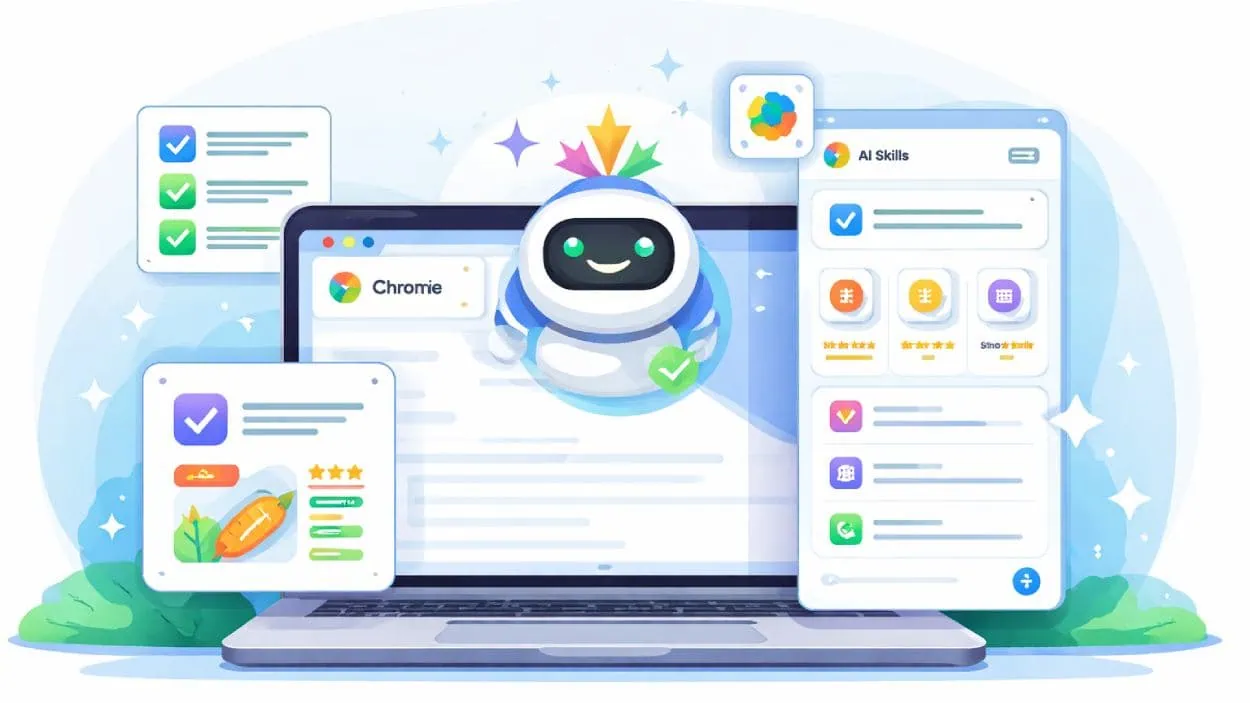
At its core, Skills are saved prompts that can be reused anytime while browsing. Instead of typing the same request repeatedly, users can store it and run it with a shortcut.
These Skills work directly inside Google Chrome through the Gemini sidebar, which acts as an always available assistant. Once saved, a Skill can be applied across one or multiple tabs.
For example, users can:
- Analyze recipes and adjust ingredients for better nutrition.
- Compare products across multiple tabs instantly.
- Summarize long articles or documents.
- Evaluate job listings or shopping options.
This turns simple prompts into repeatable workflows, reducing time and effort for everyday tasks.
How It Works?
Users can create a Skill from their chat history in Gemini or choose from a preset library. To use a Skill, they simply:
- Open the Gemini sidebar in Chrome.
- Type a forward slash to access saved Skills.
- Select a Skill to run it on the current page or selected tabs.
Once activated, Gemini processes the content based on the saved instructions. Users can also edit or refine Skills anytime.
One example shared by Google is a “Protein Maximizer” Skill that scans a recipe, calculates protein content, and suggests ingredient substitutions while preserving flavor.

Skills Library and Presets
Google is also launching a Skills library with more than 50 ready to use prompts. These include tools for:
- Breaking down product ingredients
- Summarizing videos or webpages
- Comparing items across tabs
- Generating recommendations based on preferences
Users can customize these presets to better match their needs, making the system flexible for both beginners and advanced users.
Availability and Control
The feature is rolling out now and does not require a paid subscription. It is available by default for Chrome users with US English settings.
Google says Skills are built with Chrome’s existing security and privacy safeguards, including confirmation prompts for sensitive actions like sending emails or adding calendar events.
For users who prefer not to use AI features, the Gemini sidebar and Skills can be disabled in settings, removing them from the browser interface.
Industry Context
Google is not alone in exploring reusable AI workflows. Competitors like Opera Neon have introduced similar tools that allow users to save and reuse prompts for tasks such as travel planning and task prioritization.
However, Google’s approach stands out due to its deep integration with Chrome and Gemini, making it accessible to a much larger user base.
SQ Magazine’s Takeaway
I think this is one of the most practical AI updates we have seen from Google so far. Instead of adding another flashy feature, this actually solves a real problem. Repeating prompts is annoying, and Skills removes that friction completely.
What stands out to me is how this could quietly change how people use AI in their daily browsing. Once users start building their own workflows, Chrome could become more than just a browser. It could turn into a personalized productivity engine powered by AI.
Google’s broader push to embed AI into everyday tooling is mirrored on the credentials side, where its own vendor-certification track keeps adding role-aligned exams to match how teams actually use Workspace, Cloud, and now Gemini-powered Chrome. Primer hubs such as Exam Labs are where many working engineers first map out the path.