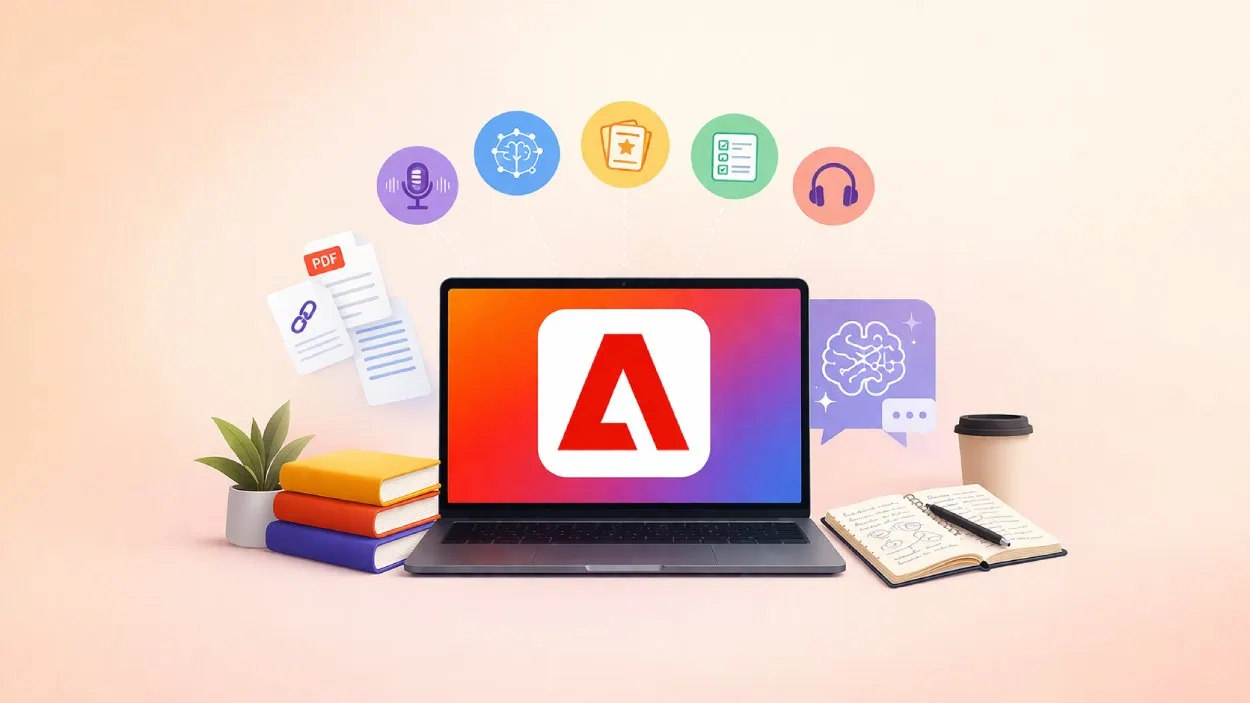






Adobe has launched a new free AI powered study platform called Acrobat Student Spaces aimed at helping students create, learn, and collaborate in one place.
Quick Summary – TLDR:
- Adobe introduces Acrobat Student Spaces, a free AI tool designed for students.
- Generates study materials like flashcards, quizzes, mind maps, and podcasts.
- Competes with tools like Google NotebookLM and Quizlet in a crowded AI learning space.
- Raises questions about future pricing and long term availability.
What Happened?
Adobe has rolled out Acrobat Student Spaces in beta, expanding its Acrobat platform beyond professionals and into the student learning space. The tool allows users to upload study materials and instantly turn them into interactive learning content.
A One Stop AI Study Hub
Adobe is positioning Acrobat Student Spaces as a central hub for studying, where students can both consume and create learning material without switching between multiple apps. Users can upload a wide range of content including PDFs, documents, links, handwritten notes, and transcripts.
From there, the platform can automatically generate:
- Flashcards and quizzes to test knowledge.
- Mind maps and study guides to simplify complex topics.
- Editable presentations powered by Adobe Express.
- Podcasts and audio summaries for learning on the go.
The platform also includes a chat based AI assistant that answers questions based on uploaded documents, with citations to improve accuracy and trust.
Charlie Miller, Vice President of Education at Adobe, said the goal is to reduce friction in student workflows. He said:
Built for Different Learning Styles
Adobe says the platform is designed to support multiple learning styles, making it flexible for both individual and group use.
For individual learners:
- A focus mode helps reduce distractions.
- The AI assistant acts like a 24/7 tutor, breaking down complex topics.
For group learning:
- Students can invite classmates into shared spaces.
- Teams can collaborate on notes, presentations, and projects in real time.
The platform also caters to different formats of learning:
- Visual learners can create mind maps, presentations, and videos.
- Auditory learners can generate podcasts and audio summaries.
“Designed to help make studying faster, easier and way more effective”
Adobe also highlighted its collaboration with hundreds of student testers from universities including Harvard, Berkeley, and Brown to shape the product.
What makes a tool like this useful beyond literature or essay-style coursework is that the same flashcard-and-quiz loop scales to harder, more abstract material. For anyone studying machine learning, even the basics rest on the kind of mathematical foundations primers from Cert Library walk through when introducing AI to new learners.

Entering a Competitive AI Learning Market
Adobe is entering a highly competitive space already dominated by established tools like Google NotebookLM and Quizlet.
Many of these platforms already offer similar features such as document based summaries, quizzes, and collaborative tools. Other specialized apps like Canva, Notion, Mindgrasp, and Knowt also cover parts of the same workflow.
What Adobe is trying to do differently is combine all these features into a single platform, reducing the need for students to juggle multiple apps.
Another potential differentiator is its career preparation features, which aim to help students with resume optimization and interview preparation, though details remain limited.
Questions Around Pricing and Future Plans
While Acrobat Student Spaces is currently free and accessible without login, Adobe has not shared details about its long term pricing or feature structure.
Key questions remain:
- How long will the free beta last?
- What features will stay free versus paid?
- Whether pricing will follow subscriptions or credits?
- How much data users can upload and retain?
Adobe’s history of premium pricing across its products means students may be cautious before fully committing to the platform.
SQ Magazine’s Takeaway
I think Adobe is making a smart move here by going after students, but this space is already crowded and very competitive. The idea of having everything in one place sounds great, and honestly, that is what many students want.
But the real test will be pricing and clarity. If Adobe keeps it simple and affordable, this could become a go to study tool. If not, students will likely stick with free or cheaper alternatives that already do similar things.