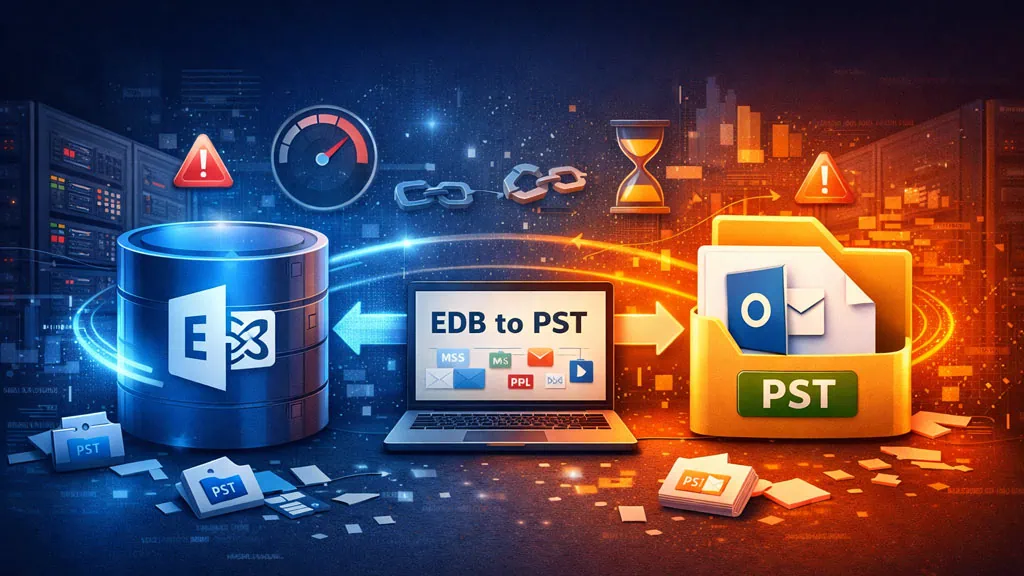






You can use native utilities in Exchange Server, such as Exchange Admin Center (EAC), to export mailboxes to PST files. Though exporting a mailbox is easy, you should also consider the limitations and bottlenecks you may face when using these utilities for exporting mailboxes in large environments. At times, these native Exchange mailbox export methods fail, specifically in large environments, due to various reasons.
In this article, we will be looking into the reasons why the native methods to export Exchange Server mailboxes in large environments fail. We will also be mentioning an EDB to PST converter tool that can export Exchange mailboxes to PST without any issues.
Native Methods to Export Exchange Mailboxes to PST
Let’s take a look at the native methods to export mailboxes to PST files, along with their pros and cons.
Export Mailboxes Using the Exchange Management Shell (EMS)
In the Exchange Management Shell, you can use the command – New-MailboxExportRequest to export mailboxes to PST with limited filtering. Although this command can only run one export at a time, you can script this command to export a large number of mailboxes at once. But this will hinder the server’s performance. There is no visibility when it comes to the status of export requests. Additionally, there is no continuation in case the process is interrupted. However, as with all native tools, there is no cost involved. It also supports filtering based on date and folders.
Export Mailboxes Using Microsoft Outlook
By using the Microsoft Outlook application, you can also export mailboxes to PST. This method would work for exporting a small number of mailboxes. It offers some filtering options and has no server-side roles or configuration.
On the other hand, it requires a licensed Microsoft Outlook installed and configured with a profile having full mailbox access. You can only export one mailbox at a time. This will lead to a very long export process. Exporting using Microsoft Outlook is not reliable, and the application can crash many times. It is not suitable for exporting bulk or large mailboxes.
Reasons why Native Methods to Export Exchange Mailboxes Fail in Large Environments
Let’s have a look at the reasons why the native Exchange mailbox export methods fail in large environments.

Misconfiguration of Exchange Server
Misconfiguration of the Exchange Server can lead to issues with the export. Exporting using the command line would need the roles configured and a network share. If any of these features is not configured well, it can lead to failure of the export process.
High Input Output Usage
A server with high input output usage can result in slowness of the export process. Running large exports may lead to database locking or impact the database health. High input output usage can also be the cause why a server or cluster is underperforming due to low specifications or slow storage.
PST File Limitations
PST files are prone to corruption. Large exports can increase the chances of corruption in PST files, especially when dealing with very large mailboxes. Exporting hundreds of mailboxes at once can create significant challenges when it comes to handling all those PST files.
Throttling
Although the export process depends on the performance of the Exchange Server, storage, and network, there is still some throttling that happens within the Exchange Server and the Mailbox Replication Service (MRS) to protect the database integrity and health. This can lead to delays and interruption in the exports due to long-running jobs. In large environments, this can lead to services restarting, network interruptions, storage timeouts, and partial or incomplete exports.
Native Mailbox Export Methods Fail? Use a Specialized EDB to PST Converter Tool
To overcome the limitations and issues associated with the native tools, you can use a specialized EDB to PST converter tool, such as Stellar Converter for EDB. This tool can integrate directly with the Exchange Server database.
Unlike native export tools, this is independent of the Exchange Server. Apart from opening a live Exchange Server database, it can also open offline/standalone EDB database files from any version of Exchange Server and of any size. In addition to mailboxes, you can export user archives and public folders by using this tool.
Apart from exporting to a PST file, it also allows exporting the items to other file formats, such as MSG, EML, HTML, and PDF. The tool can also be used to export mailboxes and public folders to a live Exchange Server or Microsoft 365 with automatic mailbox matching from source to destination.
Stellar Converter for EDB is a suitable solution for large environments and goes way beyond what the native tools offer.
Conclusion
Exporting Exchange mailboxes to PST in large environments is a critical task that requires proper planning and the right set of tools. When choosing the native tools, like EMS or Outlook, it is essential to take into consideration the size of mailboxes, the complexity of data, and the specific requirements of your company. Sometimes, the native export methods fail due to several reasons, as explained in this article.
As an alternative, you can use a specialized EDB to PST converter tool, such as Stellar Converter for EDB. This will ensure that the EDB to PST export process is automated as much as possible without any administrative impact.