





Apple has announced iPadOS 27 at WWDC, bringing a new Siri experience, faster performance, smarter AI features, and several productivity improvements for iPad users.
Quick Summary – TLDR:
- iPadOS 27 introduces a dedicated Siri app powered by upgraded Apple Intelligence.
- Apps can launch up to 30% faster, with improvements to multitasking and file management.
- New parental control tools give caregivers more control over children’s app and web access.
- Safari, Photos, Shortcuts, and Spotlight Search all receive major upgrades.
What Happened?
At its Worldwide Developers Conference, Apple unveiled iPadOS 27, the latest major software update for the iPad. The update focuses on three key areas: Apple Intelligence, performance improvements, and productivity enhancements.
The company says iPadOS 27 builds on last year’s productivity focused update while making the operating system faster, smarter, and more customizable.
Apple’s latest AI upgrades are coming to every part of the ecosystem, including iPadOS 27, where Apple also focused on system optimizations and Liquid Glass changes.#Apple #iPadOS #WWDC26
— AppleInsider (@appleinsider) June 8, 2026
https://t.co/6EOxo3SpQ6
Apple Puts Siri at the Center of iPadOS 27
One of the biggest changes in iPadOS 27 is the arrival of a completely new Siri experience. Apple has introduced a dedicated Siri app that allows users to interact with the assistant in a more conversational way, similar to modern AI chat applications.
Siri is also deeply integrated into Spotlight Search. The system can automatically recognize whether a user is searching for content or asking Siri for assistance, creating a more seamless experience.
The upgraded Apple Intelligence platform improves Siri’s understanding of photos, on screen content, and personal context. Apple says privacy remains a priority, with processing handled through on device intelligence and Private Cloud Compute.
Faster Performance Across the System
Apple is promising significant speed improvements throughout iPadOS 27.
According to the company:
- Apps can launch up to 30% faster through intelligent preloading.
- Switching between multiple apps is more responsive.
- Spotlight Search has been rebuilt with a stronger indexing system.
- File management receives a major boost with file transfers in the Files app reaching up to five times faster speeds.
The company also refined the multitasking experience that debuted in the previous version of iPadOS, continuing its effort to make the iPad a more capable productivity device.

Liquid Glass Gets More Customization
Apple’s new Liquid Glass design language is receiving further refinements in iPadOS 27.
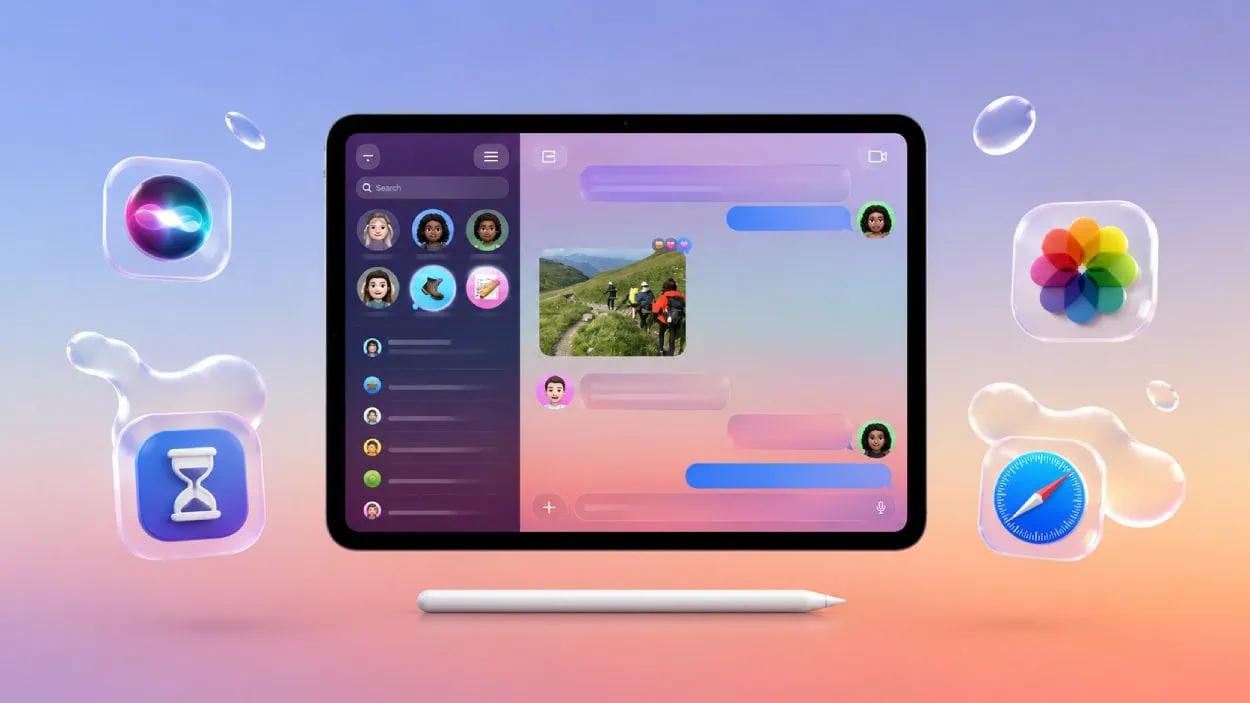
Users will have more control over the visual appearance of the interface through additional customization options. Apple has also improved sidebar designs and overall readability throughout the operating system.
Another small but useful addition is the option to keep the Menu Bar permanently visible, making navigation easier for users who rely on desktop style workflows.
Smarter Productivity Features
Several apps are getting meaningful upgrades.
The Shortcuts app can now create automations using natural language requests. Instead of manually building a shortcut, users can simply describe what they want and Apple Intelligence will generate it automatically. Manual editing remains available for advanced users.
Safari is receiving a new Organize Tabs feature that automatically sorts open tabs into groups based on their content.
Users can also resize iPhone apps on iPad, improving compatibility and flexibility when running apps designed for smaller screens.
New Tools for Families and Parents
Apple is expanding parental controls with a major update to Screen Time.
Parents and caregivers can now:
- Schedule when children can access specific apps and services.
- Restrict access to individual apps.
- Control who children can communicate with through iMessage.
- Require approval before visiting websites.
Apple is also introducing new developer APIs and a Declared Age Range system that allows apps to provide age appropriate experiences based on who is using the device.
Photos and AI Image Features Get an Upgrade
The Photos app gains several new capabilities.
Users can customize slideshows and share albums more easily across Android and Windows devices. Apple Intelligence also powers improved object removal and image extension tools.
Meanwhile, Image Playground has been upgraded with more realistic image generation capabilities that can be used for invitations, wallpapers, contact photos, and other creative projects.
SQ Magazine Takeaway
I think iPadOS 27 is less about introducing flashy new hardware style features and more about making the iPad smarter and faster in everyday use. The new Siri app, AI-powered Shortcuts, faster file transfers, and improved parental controls address practical needs that many users have been asking for. If Apple delivers on its performance promises, this could become one of the most useful iPad updates in recent years.