





Apple is giving HomeKit users more time to switch to its improved Apple Home architecture, extending support for the older system until early 2026.
Quick Summary – TLDR:
- Apple will end support for the old Apple Home architecture on February 10, 2026
- Users must upgrade to avoid losing control of smart home accessories and automations
- The updated HomeKit system offers guest access, robot vacuum support, and faster performance
- Early upgrade issues have been resolved, and Apple may automatically update homes
What Happened?
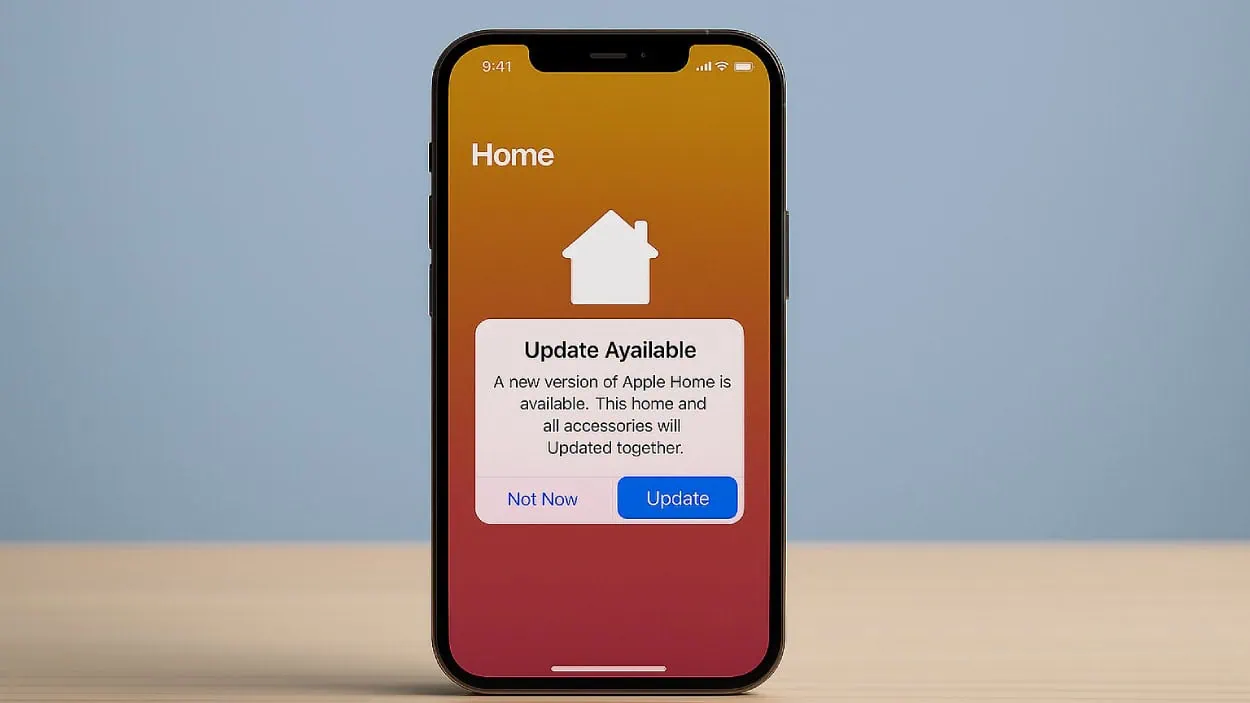
Apple has quietly pushed back its deadline for transitioning to the new Apple Home architecture. Initially set for fall 2025, the company has now updated its official support page to confirm that support for the previous HomeKit framework will end on February 10, 2026. After that, older devices will lose access to the Home app and connected accessories may stop working unless users update to the newer system.
Apple is extending support for the old HomeKit architecture until February 10, 2026
— AppleDrop (@TheAppleDrop) November 4, 2025
Users must upgrade to the new version of the Home app before this date to avoid any interruptions.
The update, which is faster and more stable, adds features such as robot vacuum control and… pic.twitter.com/5k4NKmd16B
Why Apple Delayed the Deadline?
The new Apple Home architecture was launched alongside iOS 16.4 in March 2023. While it brought performance improvements and new features, early adopters reported stability issues, leading to slower adoption. Apple seems to have resolved those issues, and the updated system is now considered stable and reliable.
By pushing the deadline a few months past the original fall 2025 target, Apple is giving users additional time to update their devices and adjust to the changes without disruptions. This also helps reduce the risk of leaving smart homes inoperable due to sudden loss of compatibility.
What Users Need to Know Before Updating?
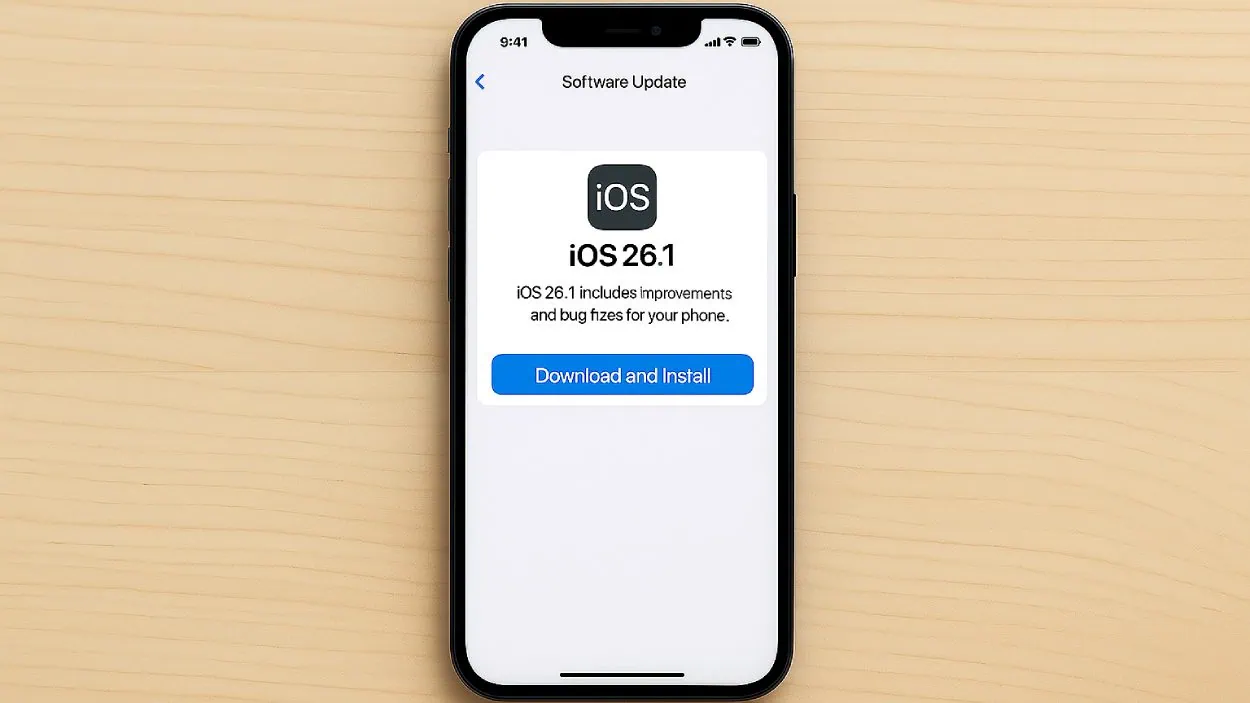
To upgrade, all Apple devices controlling the smart home must be running:
- iOS 16.2 or later
- iPadOS 16.2 or later
- macOS 13.1 or later
- tvOS 16.2 or later
- watchOS 9.2 or later
Older operating systems will not support the updated HomeKit, meaning users and their invited guests must be on current software versions.
Apple has also changed how home hubs work. While you used to be able to use an iPad as a hub, the new system requires an Apple TV or HomePod for full functionality and remote access.

Benefits of the Updated Home Architecture
The newer architecture is designed to offer:
- Guest access controls.
- Support for robot vacuum cleaners.
- Activity History to view past actions.
- Faster and more reliable performance, especially in homes with many accessories or Matter-compatible devices.
These upgrades aim to make smart home experiences smoother and more intuitive, reducing lag and improving automation reliability.
How to Update Your Apple Home?
Apple recommends this step-by-step process:
- Update all devices that control your home to the latest OS.
- Open the Home app on iPhone, iPad, or Mac.
- Tap the More button, choose Home Settings.
- Go to Software Update.
- Tap Update Now and follow the prompts.
Note that all homes you own will be upgraded at once. You may also receive automatic upgrade prompts in the Home app or through email notifications if you haven’t updated manually.
SQ Magazine’s Takeaway
Honestly, if you’re deep into Apple’s smart home system, you really shouldn’t wait until 2026. I think this extra time is a great chance for everyone to make the switch before their home starts glitching. Apple’s newer system finally feels stable, and the performance boost alone makes it worth upgrading. If you want to keep your automations smooth and avoid any future frustrations, just bite the bullet and update now.