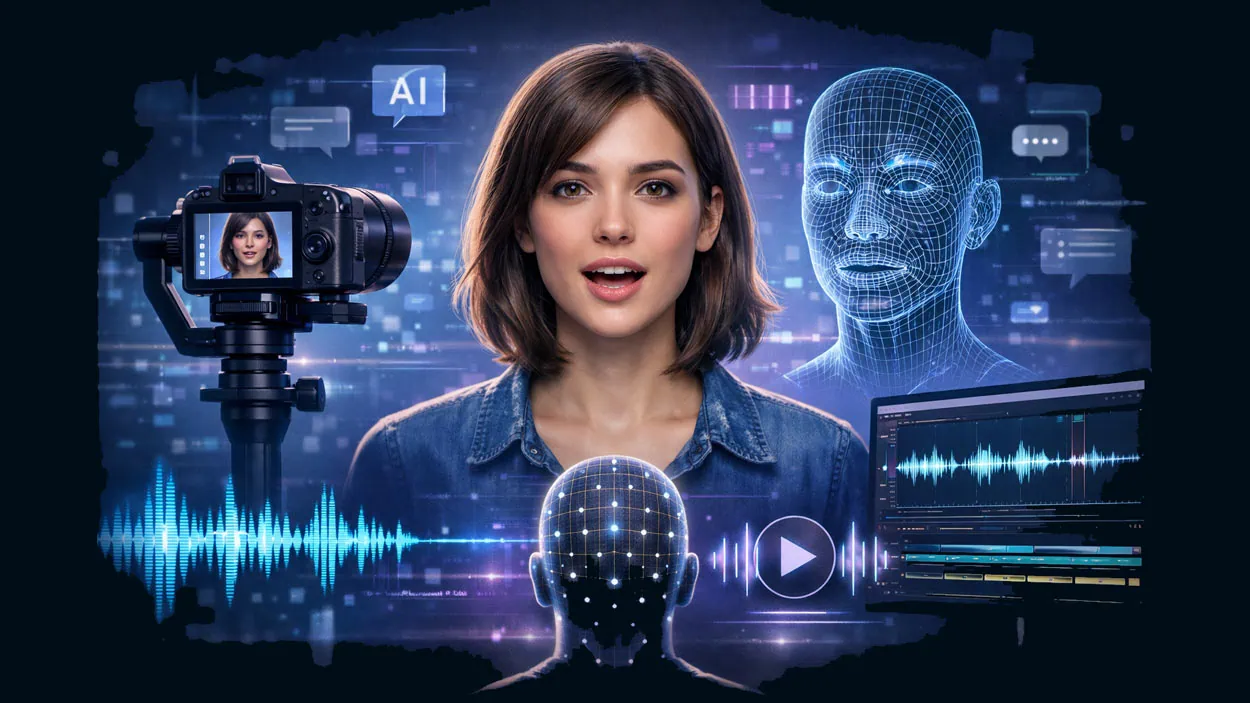







Lip-syncing videos have become a significant activity in the creator economy in 2026, with technology advanced enough to produce fully automated videos with a single click. AI technology has come a long way, allowing for videos to be created with the AI lip-sync technology to create fully engaging, believable videos. Viewers engage with videos for a longer time, which is beneficial, as more engagement and longer watch time increase a video’s performance.
Because of the advancements in lip-syncing technology, vloggers no longer have to go through the complicated and time-consuming processes of manual lip-syncing, redoing shoots, and spending countless hours in editing. The top lip-syncing tools available today enable users to generate quality lip-synced videos in just a matter of minutes. With this review of the top ten lip-syncing tools for 2026, we will provide you with a detailed analysis of the available options in order to help you understand where Dzine stands apart as the number one tool for lip-syncing long videos with multiple characters.
Key Takeaways
- Best overall for natural AI lip sync and long dialogue: Dzine
- Best for business training avatars: Synthesia
- Best for avatar marketing videos: HeyGen
- Best for localisation and dubbing workflows: Rask AI
- Best API-first lip sync tool: sync. so
- Best open-source lip sync model: Wav2Lip
- Best for quick talking-photo videos: D-ID
Why AI Lip Sync Is Essential in 2026
What Lip Sync Really Means Today
Lip sync is the process of matching spoken audio with accurate mouth movements. High-quality AI lip sync understands phonemes and visemes, the visual shapes the mouth makes when producing sounds. Basic tools move lips mechanically, while advanced lip sync tools generate smooth, expressive motion that reflects tone, emotion, and pacing.
Benefits in Real Life
- Improved Retention and Trust of Viewers
- Location and Reshooting Efforts are Minimised
- Explainer and spokesperson Brand Safe Videos
- Ads, Campaigns, and Course Storytelling at Scale
- Marketing and Ads
- E-Learning and Education
- Virtual Presenters and AI Influencers
- Animated Characters, Toys, Pets, and Mascots
- Onboarding and Customer Support Videos

1. Dzine – Best Multi-Character AI Lip Sync Tool for Natural Lip Sync Video

Dzine is a state-of-the-art AI lip sync video creation software designed to overcome the uncanny valley effect, creating hyper-realistic videos where the mouth movements and facial expression sync and even the emotions are convincingly lifelike. Every lip-sync video we create is fluid and human, even in the most complex dialogue.
Unlike most other tools that are limited to short clips and avatars, Dzine supports videos and images, can produce continuous lip-sync videos for up to 5 minutes, allows up to 4 faces per scene, and is ideal for explainer videos, storytelling, ads, and other conversational videos.
Competitive Features
- Up to 4 face avatars for lip sync
- Manages turn-taking and overlapping dialogue
- Stable long-form videos (5 minutes max)
- Fully functional multilingual support
- Compatible with real people, avatars, mascots, pets, and toys
Best Use Cases
- Storytelling and dialogue scenes
- Advertisements with multiple speakers
- Educational videos
- Promotions for different countries
- Localised marketing campaigns
How to Generate Lip Sync Video on Dzine?
- Step 1: Open the Lip Sync Tool. From the dashboard, select “Lip Sync”.
- Step 2: Choose or Upload a Character. Pick a preset avatar or upload your own image.

- Step 3: Configure the Audio. Users can type sentences or upload files to generate. Please select a wonderful and accurate voice if you input your dialogue with text.

- Step 4: Generate the Video. Click Generate, and Dzine AI creates a highly accurate AI lip sync video.
2. HeyGen

HeyGen is an avatar-based AI lip sync designed for quick marketing and social videos. Users can create talking avatar videos with accurate lip sync and multilingual voice support, making it a top choice for promo and sales material.
Best for: Marketers, sales teams, and content creators making quick avatar-based videos.
Key Features:
- AI avatars have lip-syncing to match
- Text-to-speech with different voices
- Generates videos in different languages
- Easy-to-use script to video method
 Pros
Pros Simple to use; videos get made quickly; covers a wide range of languages
 Cons
Cons Not a lot of realism for longer conversations; avatars only
Pricing: There is a free plan; paid plans start around $29/month
3. Synthesia

Synthesia is professional software for AI lip-sync simulation and is focused on software for corporate training and onboarding, as well as internal communications videos. It has realistic AI avatars with synchronised speech in multiple languages.
Best for: Businesses, HR Teams, and Educators looking to create training and explainer videos
Key Features:
- AI avatars with lip-syncing
- Multilingual lip-sync
- Video creation via Text
Pros- Creates a polished, professional video
Cons- Limited options for creativity and high costs
Pricing: 29/month
4. D-ID

D-ID focuses on using AI lip-sync video to create talking videos from images. It is often used for rapid video creation of spokesperson videos and educational images.
Best for: Talking images and presenters.
Key Features:
- Easy lip-syncing from images
- Text-to-speech option and audio upload
- Easy browser-based steps
- Quick video rendering
Pros- Results come in minutes, very straightforward to use
Cons- Minimal customisation, only videos up to 60 seconds
Price: Starting at $5.99 monthly. There is a free trial as well.
5. Sync.So

Sync.so has an API-first approach to video lip-syncing and provides high-tempo and quality lip-syncing to videos. It identifies individual speaking patterns without any training beforehand. It works on animations, AI characters, and live-action videos.
Best for: Content creators, video marketers, and developers who video-localise or have dialogues to replace.
Main Features:
- Voice cloning from audio, text, or recording
- Emotionally accurate multilingual dubbing
- Any video segment synced with the lip region precisely
- API infrastructure for easy workflow
Pros- High-quality output; works with animated and AI character.
Cons- API-focused; limited editing features
Pricing: Starting at $5/month, Creator $19/month, Growth $49/month
6. Runway

Runway is a creative AI video platform, meaning it’s not a dedicated lip sync tool, but many users tend to use it alongside lip sync software for more complex projects.
Best for: Creative teams producing AI-generated videos.
Key Features:
- Generative AI video creation
- Advanced video editing tools
- Creative effects and transformations
Pros- Powerful creative control.
Cons- No native lip sync engine.
Pricing: Free plan available, paid plans start at $15/month
7. Rask AI

Rask AI specialises in video localisation and translation. Rask uses AI lip-sync technology to match newly dubbed audio to original footage, making adjusted videos look authentic.
Best for: Content localisation, dubbing, and multilingual video workflows.
Key Features:
- Video translation combined with lip-syncing
- Dubbing in multiple languages
- Audio and subtitle replacement
- Adaptable to videos already edited
Pros- Localization is effortless and cuts the cost to reshoot videos.
Cons- There is no flexibility for creative narratives.
Price: Starting at $60 monthly.
8. Vozo

Best for advanced lip-sync correction and adjustment with multiple speakers. Vozo is great for seamless dialogue in intricate cut scenes.
Best for: Creators who need meticulous control of lip-sync for each speaker.
Pros- Highly accurate, tunable adjustments.
Cons- Some learning curve, not very beginner-friendly.
Pricing: Depends on usage
9. Wav2Lip
Wav2Lip is an AI lip-syncing model that is open source and is utilised the most by technical teams and developers who want the maximum customisation with lip syncs.
Best for: Developers and technical users.
Key Features:
- Great audio-to-mouth sync
- Compatible with pics and vids
- Open-source model
Pros- Very good accuracy; can be fine-tuned.
Cons- Big tech setup; not easy.
Pricing: Free (open-source)
10. Gooey AI

It provides a powerful solution for creating realistic lip-sync animations from any audio file. Users simply upload a sample facial video or image and an audio file to generate synchronised animation using their chosen AI model. This tool can be integrated into workflows for building chatbots on platforms like WhatsApp, Facebook, or Slack.
Best for: Content creators and developers who want to create engaging lip-sync animations for chatbots, videos, and interactive applications.
Key Features:
- Upload a facial image or video and an audio file to create lip movements.
- Multiple model options to suit different quality and speed preferences.
- Integrate lip-sync animations into your applications, workflows, and chatbots using Gooey.AI’s API.
- Supports various audio/video input and output formats.
Pros- Easy-to-use interface; AI models offer highly customizable options.
Cons- Generating longer videos consumes credits (6 credits per 5 seconds).
Pricing: Free starter plan includes 500 credits, enough for approximately 33 seconds of lip-sync animation; Business plan is $399 per month, including 10,000 credits.
How to Create a Multi-Character Lip Sync Video (Dzine Walkthrough)
What You Need
- Group image or video (4 faces max)
- Script or audio
- Clear lighting, no mouth covering
Comparison Table – Top 10 Lip Sync Tools
| Tool | Best For | Multi-Face | Max Duration | Languages | Ease |
| Dzine | Multi-character dialogue | Yes (4) | 5 min | High | Beginner |
| HeyGen | Avatar marketing | No | Short | High | Beginner |
| Synthesia | Corporate training | No | Medium | High | Beginner |
| D-ID | Talking photos | No | Short | Medium | Beginner |
| Rask AI | Localization | Limited | Long | High | Intermediate |
| Vozo | Speaker control | Yes | Medium | Medium | Intermediate |
| Runway | Creative video | No | Medium | Low | Pro |
| Descript | Voice editing | No | Medium | Medium | Beginner |
| sync.so | API automation | Yes | Variable | Medium | Pro |
| Wav2Lip | Open-source | Yes | Variable | Low | Technical |
What to Consider When Choosing the Right Lip Sync Tool
- Mouth-movement realism: Look for natural and smooth mouth shapes when speaking, recording, or audio. If the realism is bad, the animation will be untrustworthy.
- Input flexibility: The best AI lip-syncing tools can have images, videos, recorded audio, and text-to-speech. This will help you to reuse content you have made.
- Multi-character support: The ad you are making is used for playback.
- Long-form stability: Many tools can no longer be used for longer videos. This helps when explaining or telling stories.
- Multilingual capabilities: The more videos you have, the easier it is to localise without filming again.
- Ease of use: When the lip-syncing tool you use has a simple, cloud-based system, it will be easier for you to use it.
- Export quality: For the use of lip syncing tools for commercial use, the videos must be of high-quality images, various video formats, without logos, etc.
- Pricing and scalability: The lip syncing tool should be right in its pricing, limit, and flexible plans with the right pricing. When considering these factors, you can select an AI lip sync solution that is likely to yield realistic outcomes and be safe to use for years to come.
FAQs
Consistency in realism, reliability for long-form videos, and support for multiple characters make Dzine the best option.
Yes. Dzine and D-ID allow lip-sync videos to be made from images.
Yes. Up to four faces can be lip-synced in a single video by Dzine.
Yes. Dzine and most of the leading competitors support several languages.
No. Most AI lip sync tools are designed for beginners.
Final Verdict
If you are a creator who wants the most believable AI lip sync videos, multi-character dialogue, and reliability for long videos, Dzine is the best option for you in 2026. It’s simple to use and allows you to create videos of lip syncs of professional quality.
Try Dzine today and create natural, human-like lip sync videos that stand out.