






Gmail is stepping into a new era with Gemini-powered AI features that promise to make your inbox smarter, more personal, and easier to manage.
Quick Summary – TLDR:
- Gmail introduces AI Inbox, a new view that prioritizes important tasks and summarizes updates.
- AI Overviews now summarize long email threads and answer natural language questions about your inbox.
- Help Me Write, Suggested Replies, and Proofread tools are rolling out to all users to enhance email writing.
- Most features are now free, but some advanced tools remain exclusive to Google AI Pro and Ultra subscribers.
What Happened?
Google is bringing Gemini, its advanced AI model, into Gmail with a series of upgrades aimed at streamlining how people manage emails. These include the AI Inbox, a fresh way to view your emails; AI Overviews that provide summaries and direct answers from your inbox; and new writing tools to improve clarity and tone. While some features are exclusive to premium users, many are launching for free across the platform.
Gmail Enters the Gemini Era
Google’s mission to put powerful AI in the hands of everyday users continues with a big Gmail update for 2026. These new features reflect how email usage has evolved since Gmail’s launch in 2004. With inboxes now overflowing with messages, Google wants Gmail to act as a proactive personal assistant rather than just an email client.
Blake Barnes, VP of Product at Google, explained the goal:
AI Inbox: A Smarter Way to View Your Email
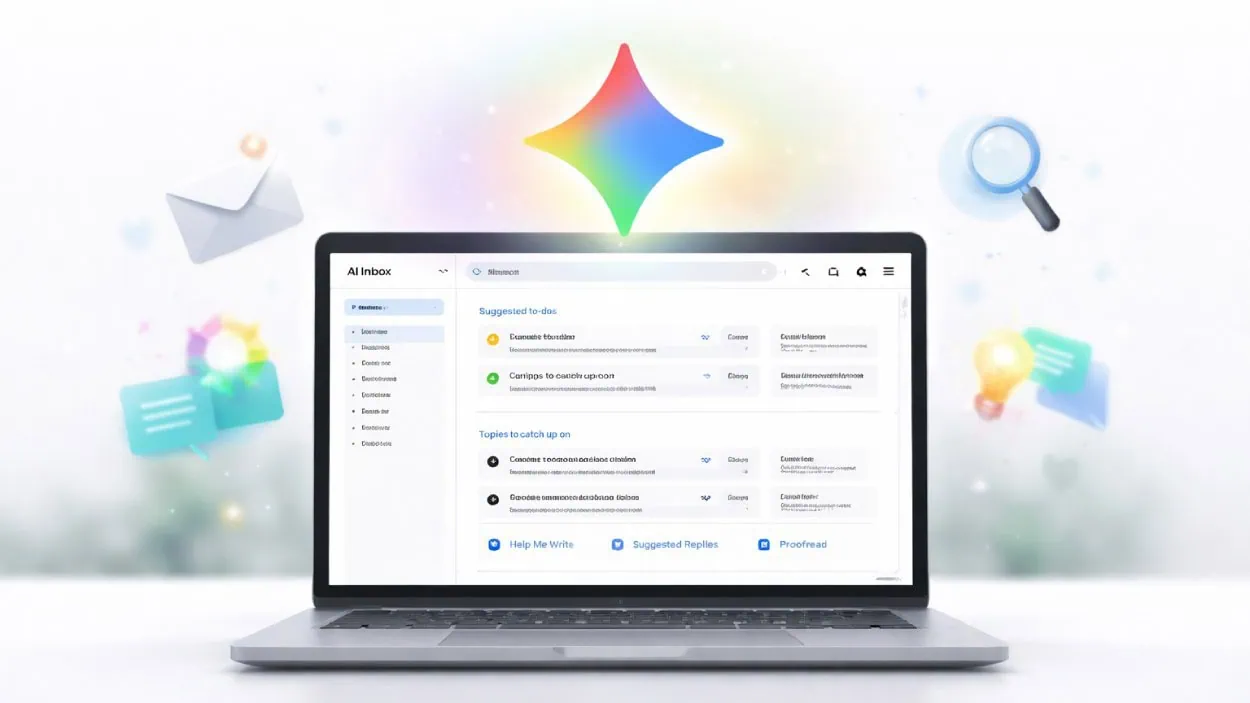
The most noticeable change is the AI Inbox, a new interface that uses Gemini to highlight important messages, upcoming tasks, and relevant updates. It’s split into two main sections:
- Suggested to-dos, such as reminders to pay bills or follow up on prescriptions.
- Topics to catch up on, like package deliveries, financial summaries, or travel updates.
These are grouped by categories like Purchases or Finances, offering a cleaner overview without having to scroll through a sea of messages. For now, AI Inbox is rolling out to trusted testers, with broader access expected soon. Users can easily switch between this and the traditional Gmail layout.

AI Overviews: Ask Your Inbox Anything
Forget scrolling and searching with keywords. With AI Overviews, you can now ask Gmail a natural language question like, “What’s the total I spent on utilities last month?” or “Who was the plumber I contacted last year?” Gemini then scans your inbox and responds with a short, context-aware summary.
These summaries are already available for email threads with dozens of replies, making it easier to get a quick sense of long conversations. This feature is free for everyone, but the natural language Q&A is limited to Google AI Pro and Ultra subscribers.
Help Me Write, Suggested Replies and Proofread
Gmail’s new AI writing tools aim to make drafting emails faster and more polished:
- Help Me Write: Generates emails from scratch or improves drafts based on your tone and intent.
- Suggested Replies: Offers one-click responses based on your writing style and the context of the email thread.
- Proofread: Provides grammar, tone, and clarity suggestions, similar to Grammarly. It flags awkward wording, like suggesting “might disturb” instead of “might inflict disturbance.”
Help Me Write and Suggested Replies are free for all users starting today, while Proofread is available for Pro and Ultra subscribers.
Designed with Privacy in Mind
Google was quick to assure users that none of their email content is used to train Gemini’s foundational models. All processing happens in an isolated, secure environment, and every AI feature in Gmail is optional. The company is being cautious, particularly with AI Inbox, which may not appeal to everyone at first.
Rolling Out Now, More to Come
These features are launching in English in the U.S. to start, with more languages and regions on the way. This update builds on previous AI features like Smart Reply and spam filtering, but marks a major leap forward in personalizing email with context-aware intelligence.
SQ Magazine Takeaway
I’ve got to say, this Gmail update feels like a real leap forward. The AI Inbox is a game-changer for anyone who dreads sorting through a cluttered inbox. And being able to just ask a question like “Where’s that plumber’s quote?” and get a straight answer? That’s the dream. I also love that Google is making some of these tools free for everyone. It’s a smart move that keeps Gmail fresh without alienating longtime users. Personally, I can’t wait to ditch keyword searches and let AI do the digging.